

Syon 接入 Codex命令行
Codex 是 OpenAI 官方推出的运行在终端中的 AI 编程助手。先完成第一节安装,再按第二节接入 Syon;已安装 Codex 的用户可直接从第二节开始。一、安装 Codex
- 推荐安装 Node.js 22+(或使用 Homebrew / 官方 installer)。
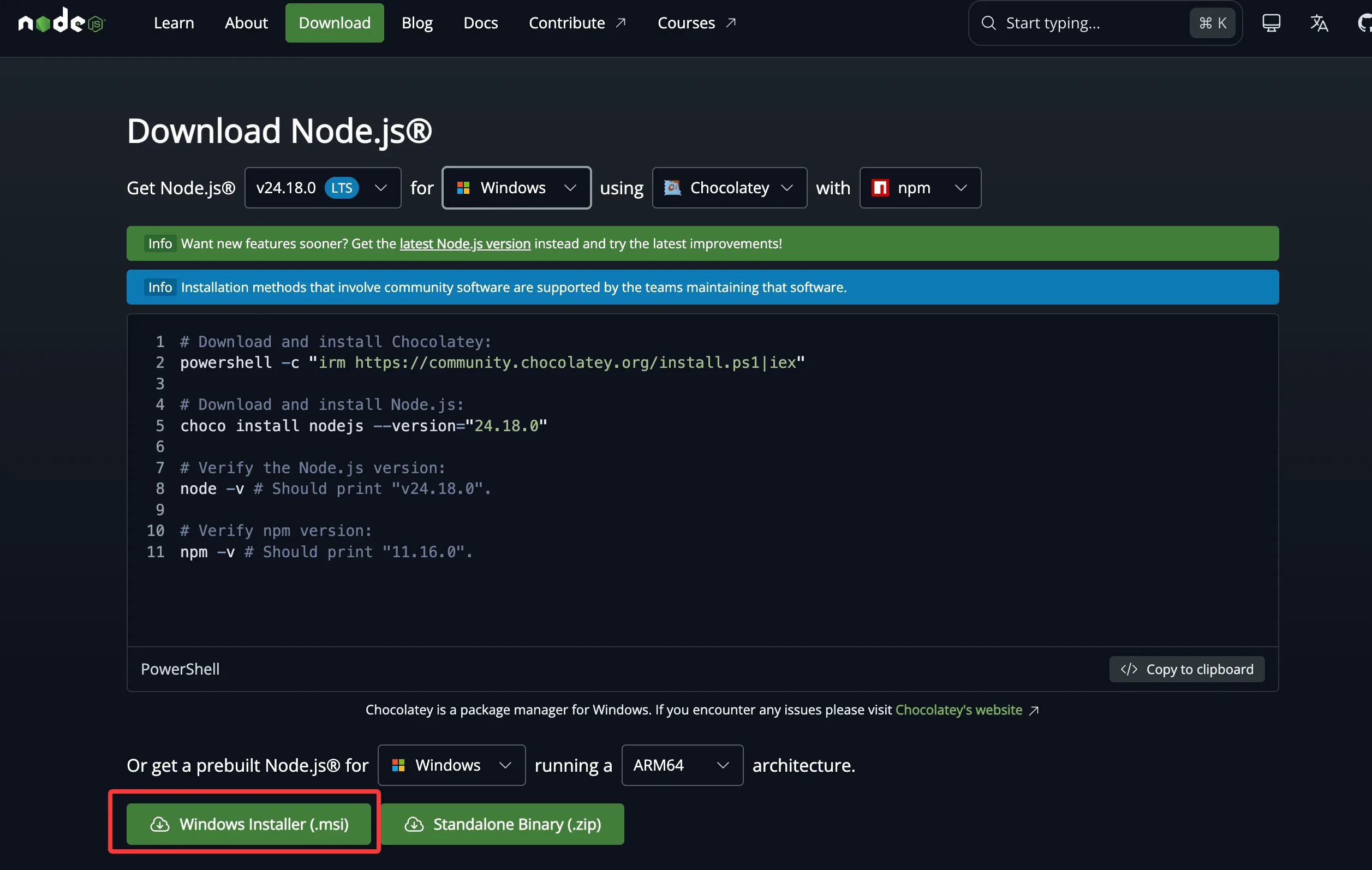
-
macOS 用户也可以直接使用 Homebrew 安装:
brew install codex。 - 在命令行界面,执行以下命令安装 Codex:
- 安装结束后,执行以下命令,若显示版本号则安装成功:
二、接入 Syon
配置 Provider
macOS / Linux 用户
打开终端,把下面整段粘进去回车:Windows 用户
打开 PowerShell(开始菜单搜「PowerShell」),把下面整段粘进去回车:设置 API Key
把下面命令里的<你的-Syon-key> 替换成你自己创建的API Key,API Key 在 Syon 控制台 获取。然后粘到终端执行。
macOS 用户
Linux 用户
Windows 用户
codex 就会走 Syon。
三、开启快速模式(可选)
快速模式(Fast mode)可以让 GPT 系列模型输出更快(gpt-5.6-sol 最高可达标准速度的 2.5 倍),按标准价 2 倍计费。
临时开启:在 Codex 会话内输入:
/fast 是开关命令,再输入一次即关闭。)
长期开启:在 ~/.codex/config.toml 顶部加一行: